Add your brand to the community URL your leads and members use to login! With any plan, you can point members directly to your personally branded community URL.
A subdomain lets you use your existing website's domain. For example, if you already have yoursite.com as your main website, you can make a subdomain community.yoursite.com. You can use whatever you prefer for the subdomain, "community" is an example and not required.
Not sure about the difference between a root domain and subdomain? Learn the difference here.
In this article, we use the term "domain host" to refer to the entity that handles your DNS settings. If you use a separate DNS service like CloudFlare, then updated the DNS records there.
Step 1: Enter your subdomain
- Go to Settings > Community > Domains
- Enter the custom subdomain you want to use in "Set Your Domain" step.
Step 2: Update your domain's DNS records to point to Heartbeat
Next, you'll create a DNS record to connect your subdomain to Heartbeat. To do this, update your domain host's DNS settings with the CNAME record that appears in the Update DNS box. The hostname is unique to your community.
Sometimes we'll require a 2nd DNS record with a TXT type to complete your setup. If you see 2 DNS records on this step, add both to your DNS settings.
Domain Hosts Guides for adding DNS Records
If you don't see your domain host below, search their help center for "CNAME" or contact their support directly.
These links take you directly to their guide for adding a CNAME record.
- Squarespace
- Namecheap
- 101 Domains
- Bluehost
- Cloudflare (Ensure that "Proxy" is disabled)
- DNSimple
- Dreamhost
- Godaddy (Ensure the 'host' field only contains your subdomain name and not the entire url)
- GreenGeeks
- Hostgator
- Hostinger
- SiteGround
- Westhost
- Wix
If you are experiencing issues adding the DNS records, please contact your domain host for support. Heartbeat Support cannot see or access your DNS settings, only your domain host can.
Step 3: Verify DNS Records
Once your records are added to your DNS manager, come back to Heartbeat and click 'verify'. Once the record is verified, you're all set!
How to Check if Heartbeat can see the DNS record
DNS changes take anywhere from 10 minutes to 48 hours to fully update. This depends on your domain host.
There are many tools you can use to check if the records have been added to domain properly.
This article shows you how to use dnschecker.org. Heartbeat has no affiliation with this site, we just find it easy to use.
To start, click here: dnschecker.org/all-dns-records-of-domain.php
- Enter the hostnames in the URL field.
- Click on CNAME
- Click on the button Lookup DNS.
If the record has been entered properly, you will see it as shown in the second image below.
Repeat this process for the other hostname.
Other common issues
Follow your domain host's guidance exactly
Each host has their own rules for adding record.
For example, some domain hosts may want you to only enter the subdomain portion of the URL.
If your site is community.yoursite.com, then that means you'd only entercommunity.
Please follow your domain host's guidance exactly. If you are unsure, please contact their support for assistance.
Ensure you only have one CNAME records
Ensure that your custom subdomain has only the CNAME record shown in Admin Settings > Custom Domain. This ensures that your subdomain will load properly for your users.
Remove any other CNAME records that are not the ones showing in the settings.
Still not working?
First, check if the CNAME record is showing by using the guide above. If the record is not showing when you use the guide above, please contact your domain host.
You can also use "Recheck connection" to better determine what may be happening with your domain:
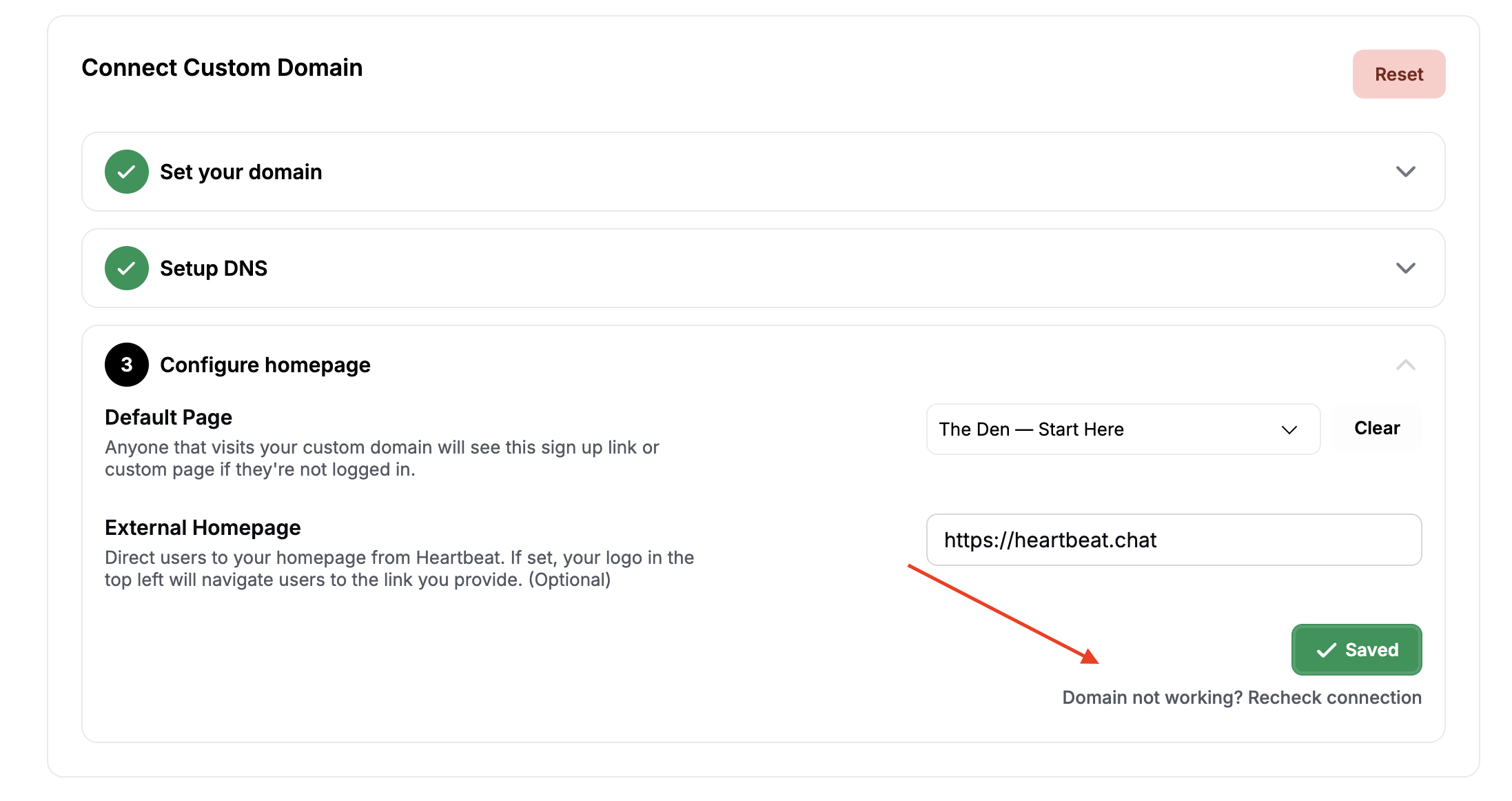
Failing this, you can capture a screenshot of your DNS settings and reach out to our support team for assistance.
Frequently Asked Questions
What happens if I change my domain host or DNS provider? You must add the DNS record to your new domain host.
Can I revert back to the original Heartbeat-hosted URL? Yes, you can always revert to the default Heartbeat domain by clicking Reset on the Custom Domain settings page.